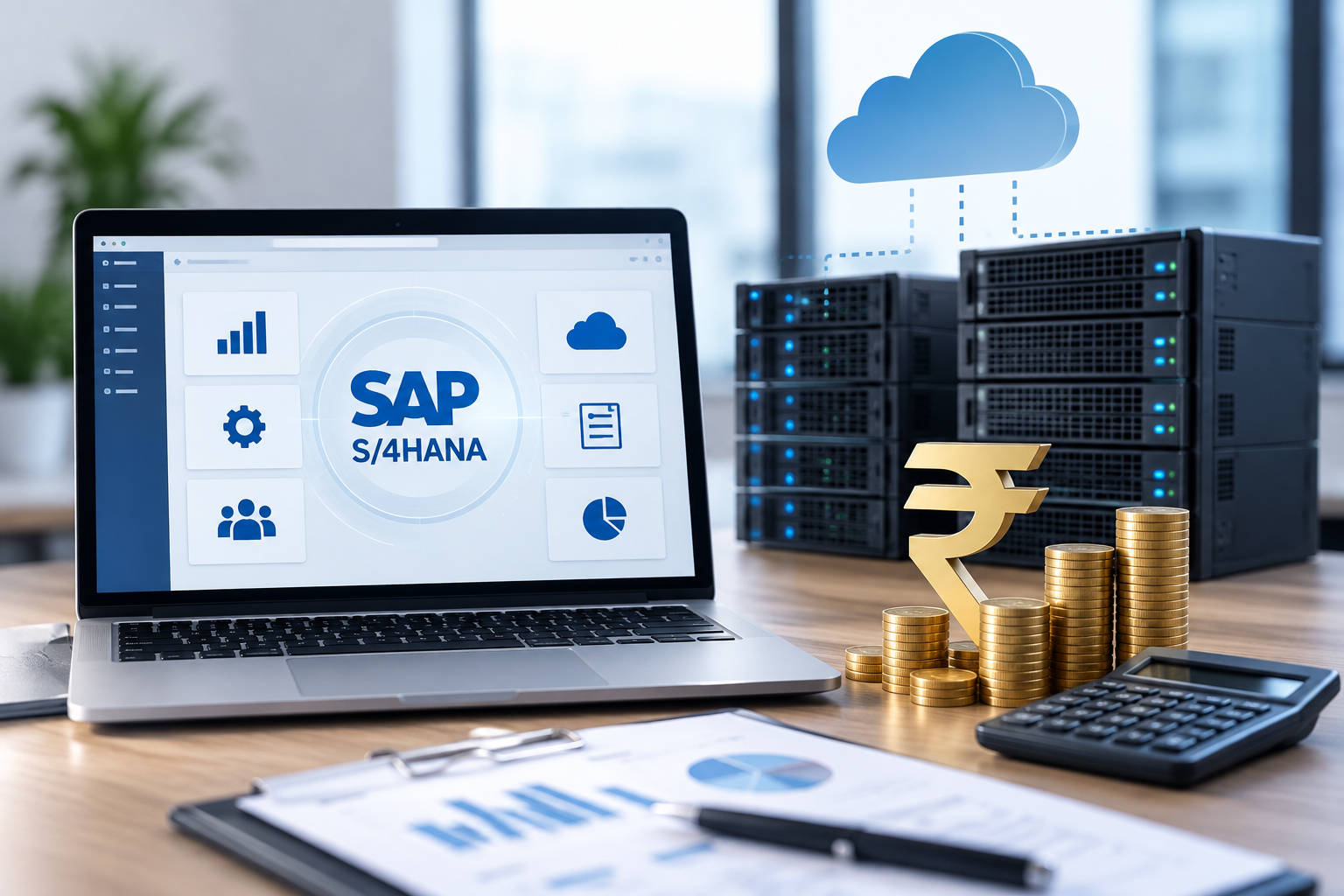
If you are preparing for an SAP career, one of the first questions you will ask is: what is the real SAP server access cost? Between certification prep, hands-on practice, and live project simulation, understanding the SAP server access price before you commit your budget saves both money and time. This guide breaks down current pricing ranges, what drives them, who typically needs this kind of access, and how to choose a plan that actually helps you learn rather than one that just looks cheap on paper.
At Dumps9, we work with SAP learners every week, so this guide reflects real pricing patterns we see in the market rather than guesswork. We've cross-checked figures against multiple providers and public listings to keep this guide accurate and genuinely useful, and we revisit it periodically as prices shift, so you can rely on it when budgeting for training.
What Is SAP S/4HANA Server Access?
SAP S/4HANA server access gives learners or consultants remote login credentials to a live SAP system, usually an IDES or demo instance. Instead of installing SAP locally, which needs heavy hardware and licensing you cannot get as an individual, you connect through SAP GUI or Fiori over a VPN. This is different from buying an enterprise SAP license; it's a shared or dedicated practice environment meant for training, certification prep, and resume-building project work.
SAP Server Access Cost in India: Typical Price Range
Pricing for practice access in India varies mainly by module count and access duration. Based on current market listings, here's what learners typically pay:
- Single module (FICO, MM, SD, or ABAP): roughly ₹800–₹2,000 per month
- Multiple modules or GRC/BW access: roughly ₹2,000–₹5,000 per month
- Dedicated server with extended hours or admin rights: ₹5,000 and above per month
These figures cover practice and training access only, not a full production SAP deployment. Providers quoting rates far below this range often cut corners on uptime, data refresh, or support, so treat unusually cheap quotes with some caution before you pay.
SAP Remote Server Access Cost: What Affects the Price?
This depends on a handful of practical factors, not just the module you pick:
- Number of modules and system landscape (single-module access costs less than a full-landscape setup)
- Access duration (monthly plans cost more per day than 3- or 6-month packages)
- Shared vs. dedicated server (dedicated instances cost more but perform better under load)
- Support level, including query resolution, configuration help, and troubleshooting
- Whether Fiori/UI5 access is bundled alongside classic SAP GUI access
Understanding these variables helps you compare quotes on substance instead of judging providers on price alone.
How Much Does SAP Cost Per Month?
For practice and training server access, expect ₹800–₹5,000 (roughly $10–$60) per month depending on modules and duration. This is separate from enterprise SAP S/4HANA licensing, where official Public Cloud plans start near $180 per user, per month.
How Can I Get Server Access for SAP?
You can get SAP server access by subscribing to a verified training provider such as Dumps9, choosing your module(s) and duration, and receiving VPN credentials plus SAP GUI login details by email. Most providers activate access within 24–48 hours of payment confirmation, so plan your study schedule around that window.
Common Mistakes to Avoid When Choosing a Provider
Many learners choose a provider purely on the lowest listed number and regret it later. Watch for these red flags before paying for any plan:
- No trial period or demo screenshots of the actual system
- Vague answers about server uptime or backup schedules
- No written confirmation of which modules and transaction codes are included
- Support available only through unmonitored chat with no response guarantee
Asking these questions upfront protects both your budget and your study time.
SAP S/4HANA Server Access Price: Is It Worth It for Learners?
For anyone targeting SAP certification or a functional/technical consulting role, paying for server access is usually worth it. Textbooks and video courses explain concepts, but only hands-on practice on a real system builds the muscle memory recruiters test for in interviews. When comparing providers, prioritize uptime, module accuracy, and support responsiveness over the lowest number on the page — a cheap plan with frequent downtime costs you more in lost study time than it saves in rupees.
Why Learners Choose Dumps9 for SAP Access
Dumps9 has supported SAP learners across FICO, MM, SD, ABAP, and S/4HANA tracks with transparent pricing, real IDES environments, and responsive support during business hours. Every plan is built around exam and project readiness rather than raw server uptime alone, which is why learners return for renewals and refer their colleagues.
FAQs
Is SAP server access legal for certification practice?
Yes, when purchased from an authorized training provider, server access for practice and certification prep is a standard, legitimate service used across the SAP training industry.
Does SAP server access include Fiori access?
Most modern plans include both SAP GUI and Fiori/UI5 access; always confirm this with your provider before purchasing, since some older plans offer GUI only.
Can I upgrade from a single module to multiple modules later?
Yes, most providers, including Dumps9, allow you to upgrade your plan mid-term, with the price difference adjusted on a pro-rated basis.
How long does SAP server access activation take?
Activation typically takes 24–48 hours after payment, though some providers offer same-day access during business hours.
Do I need a powerful laptop to use SAP server access?
No. Since the SAP system runs on the provider's server, a stable internet connection and a basic laptop or desktop are enough to run SAP GUI or Fiori smoothly.
Get Started with SAP Server Access
Get SAP Server Access Now — Talk to Dumps9
Compare plans, pick your modules, and start practicing on a live SAP S/4HANA system this week.